
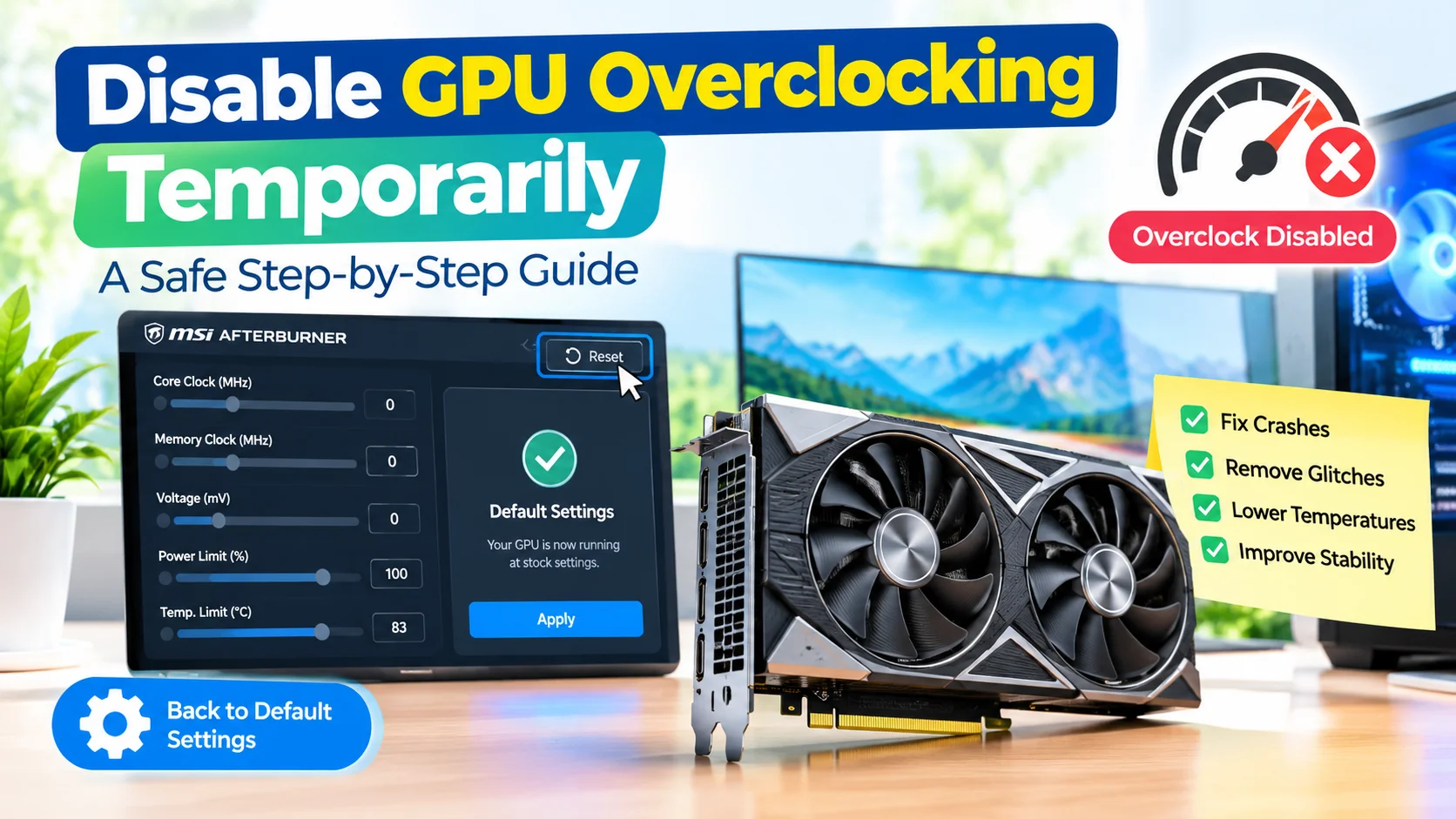
Disable GPU Overclocking Temporarily Safely
Disable GPU Overclocking Temporarily when you need to troubleshoot crashes, graphical glitches, overheating, or system instability. Returning your graphics card…
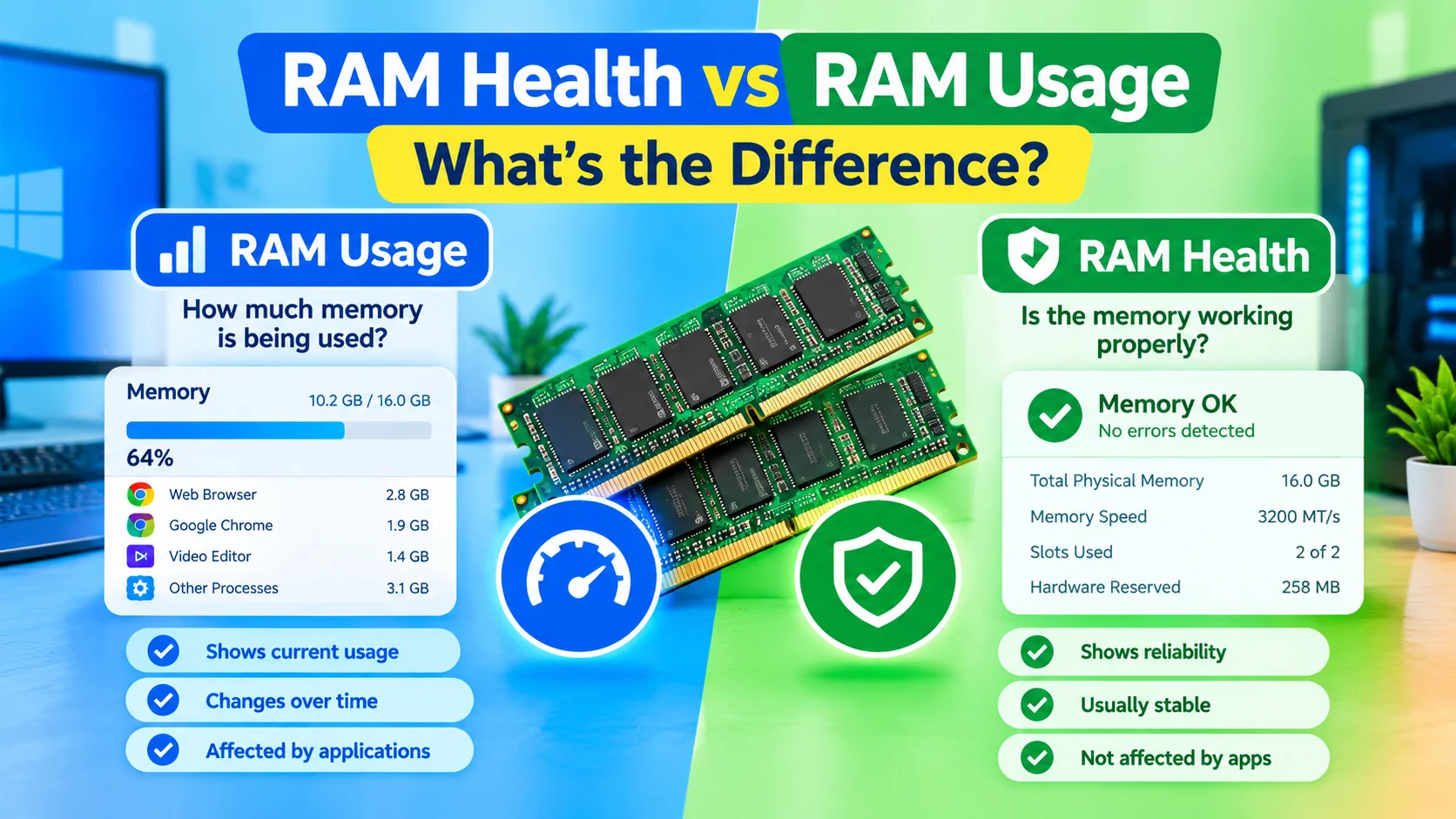
RAM Health vs RAM Usage: What’s the Difference?
RAM Health vs RAM Usage are two different concepts that can help you understand and troubleshoot your computer’s memory. RAM…
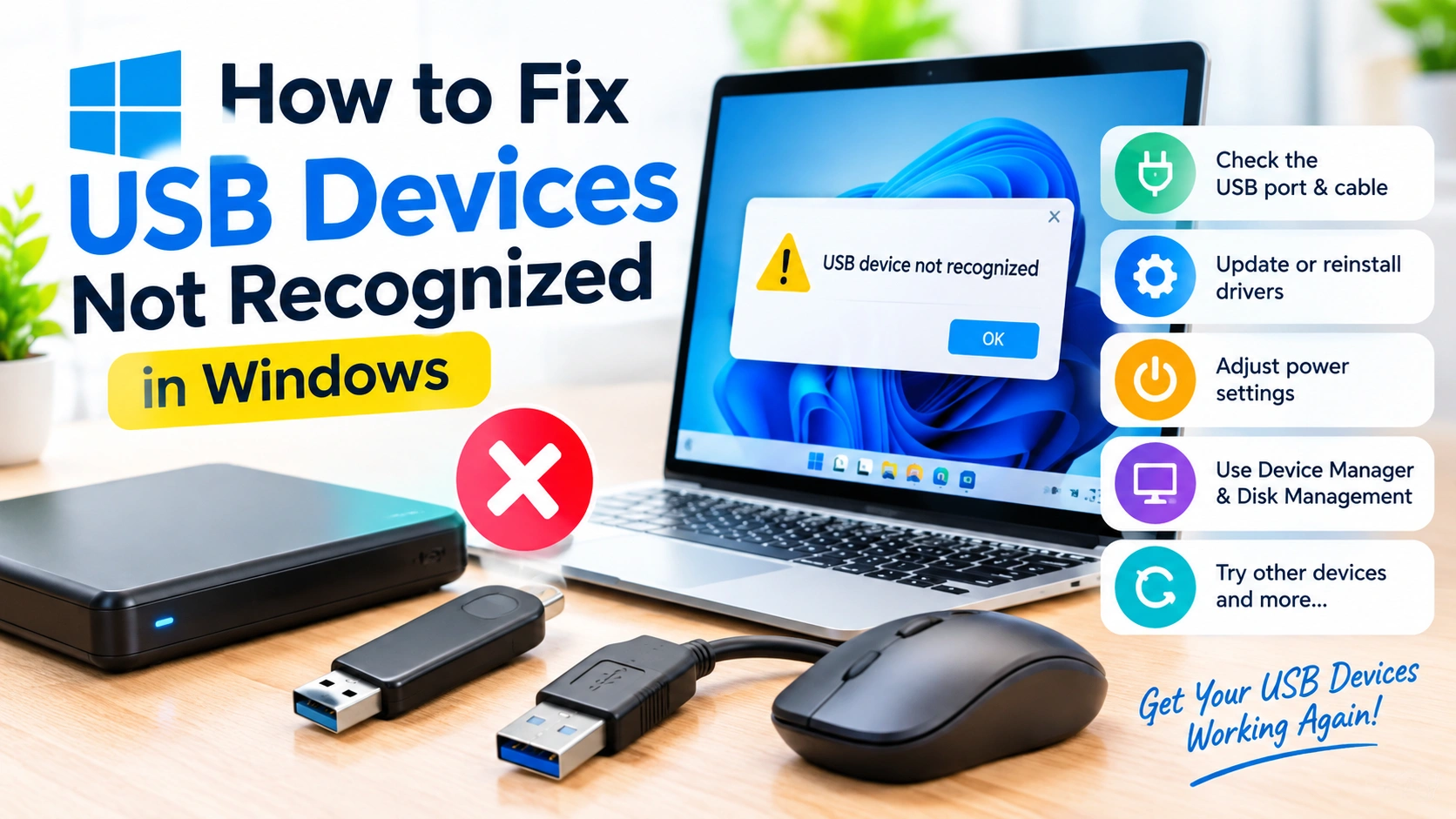
USB Devices Not Recognized in Windows
When Windows displays a “USB device not recognized” message, your computer has detected that something is connected but cannot communicate…
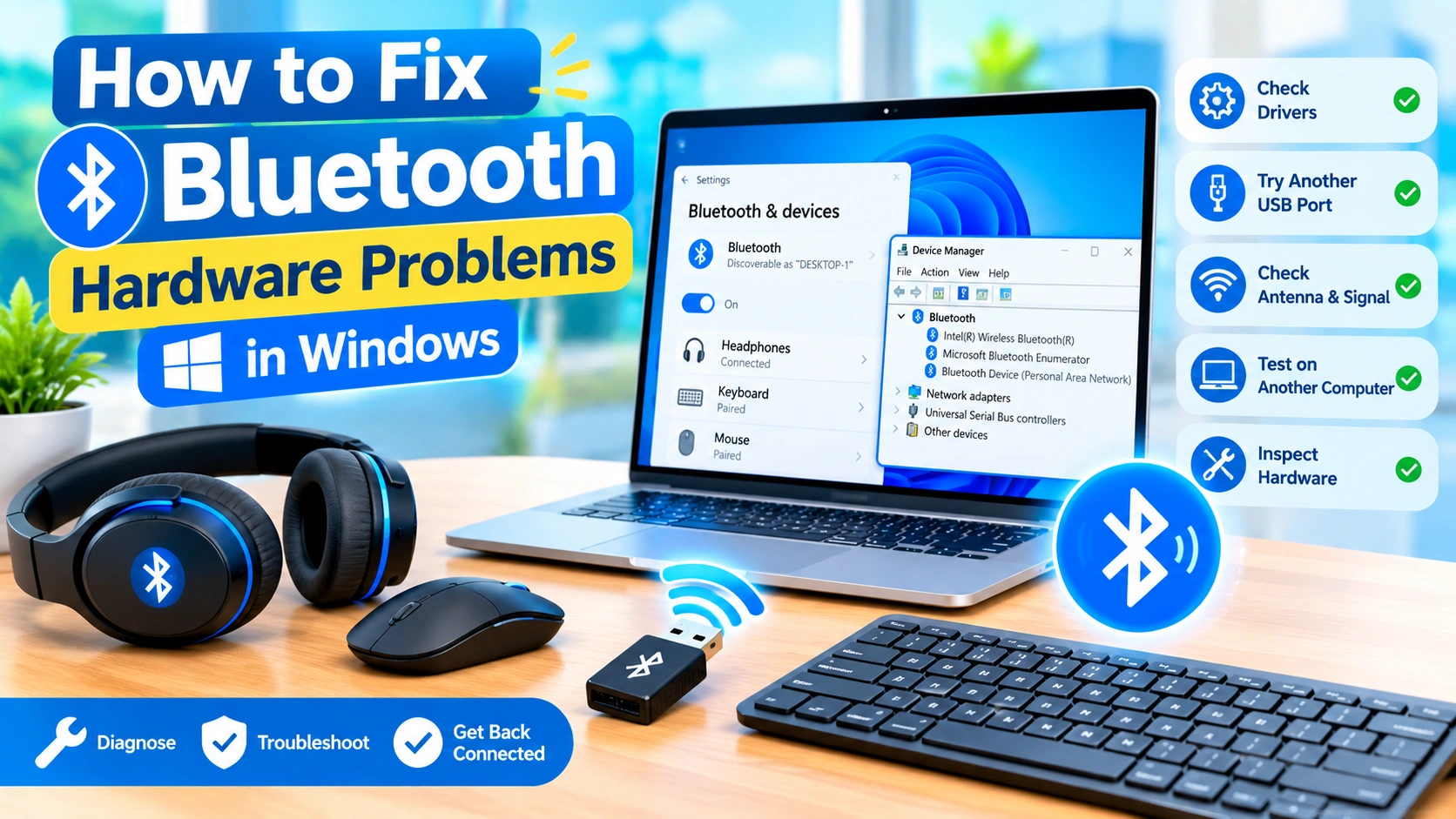
How to Fix Bluetooth Hardware Problems in Windows
Bluetooth makes it easy to connect wireless headphones, keyboards, mice, speakers, game controllers, and other accessories to a Windows PC.…
How to Fix a Webcam Not Working on Windows
A webcam that suddenly stops working can be frustrating, especially when you need it for a video meeting, online class,…
How to Fix Audio Problems on a PC
Audio problems on a PC can appear in many forms. Your computer may suddenly have no sound, speakers may produce…
How to Fix Intel Graphics Problems in Windows
Intel graphics are widely used in Windows laptops and desktops, especially systems with integrated Intel UHD, Iris Xe, or newer…
How to Fix AMD Graphics Driver Problems in Windows
AMD graphics drivers play an important role in keeping your display, games, video applications, and GPU-accelerated programs running smoothly. When…
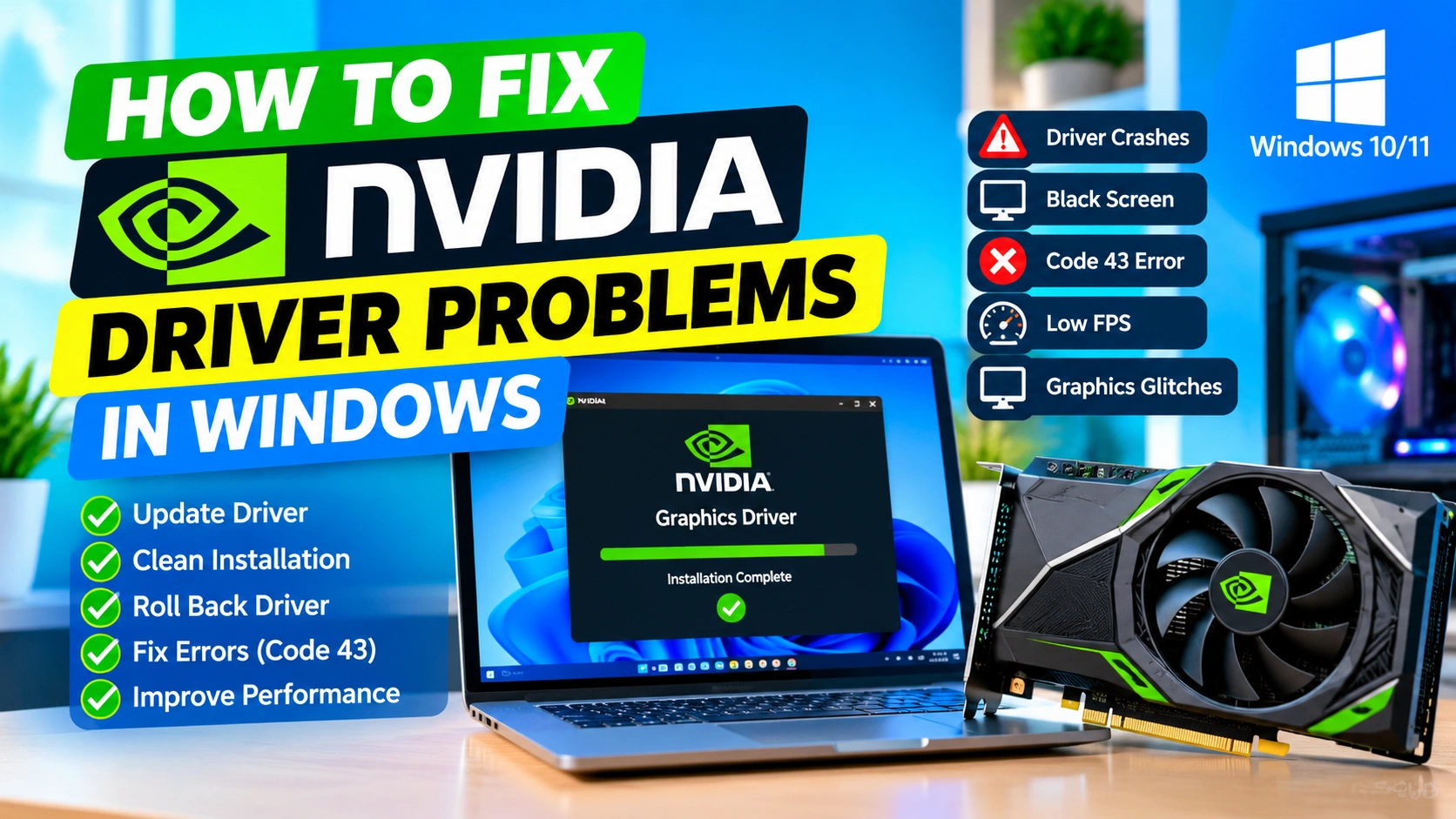
How to Fix NVIDIA Driver Problems in Windows
NVIDIA graphics drivers are essential for getting the best performance and stability from an NVIDIA GPU. When a driver becomes…
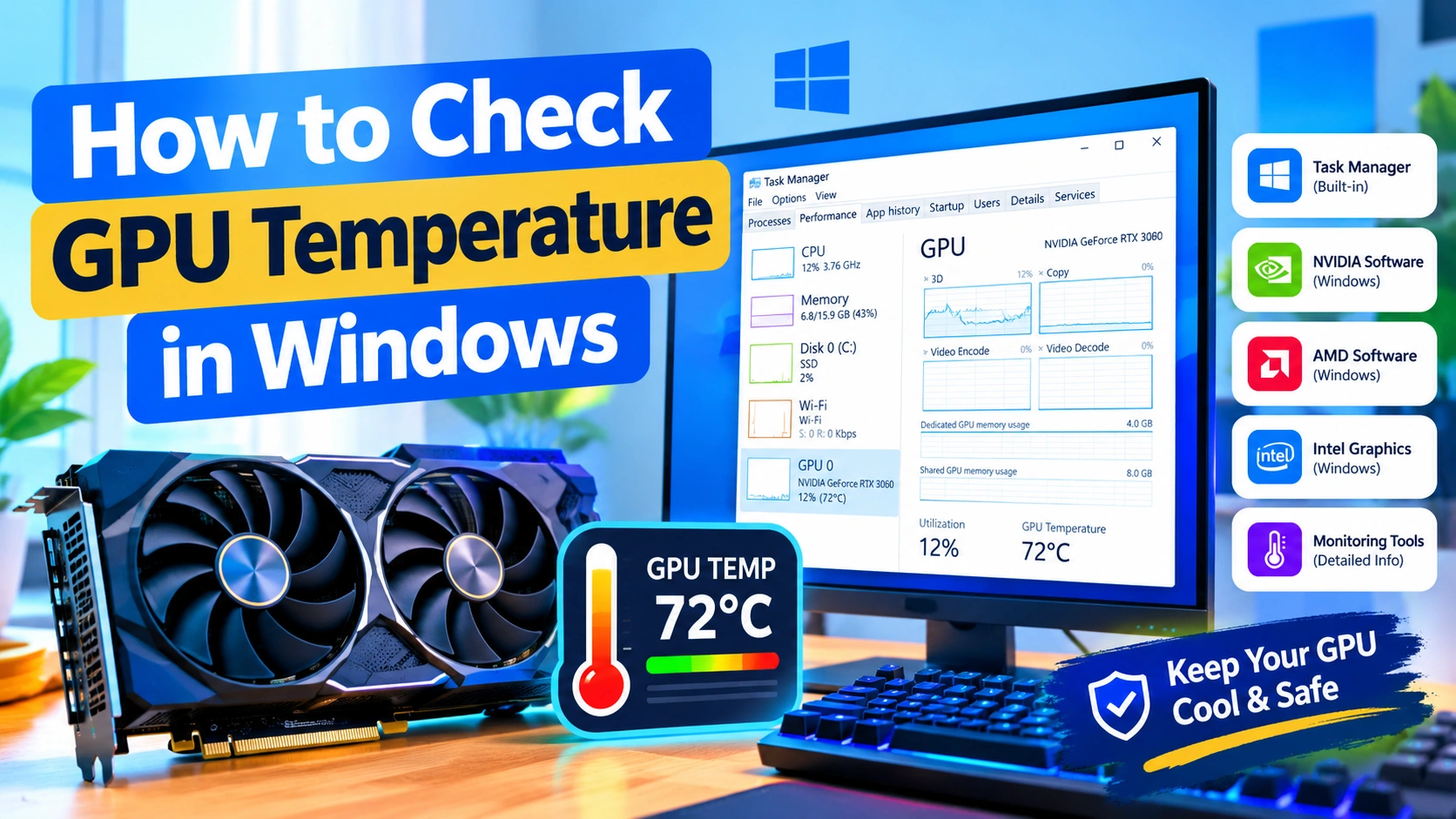
How to Check GPU Temperature in Windows
Monitoring your GPU temperature is an important part of maintaining a stable and reliable Windows PC. A graphics card can…